

NOW AVAILABLE DITO!
Cignal transmits 104 SD and 30 HD channels, including free-to-air and a varied mix of 17 audio channels. We also offer on-demand viewing via Pay-Per-View subscription offers, as well asonline streaming via our Cignal Play website and app.

Get your Cignal TV Subscription here.
Step 1
Select the denomination you want to purchase.
Step 2
Enter your DITO number and email. This is where we will send your voucher details.
Step 3
Validate and redeem by entering voucher details of Cignal TV via website/app.
To learn more about Pilipinas Live and the voucher redemption, click here to go to FAQs.
Frequently Asked Questions
What is Cignal?
Cignal transmits 104 SD and 30 HD channels, including free-to-air and a varied mix of 17 audio channels. We also offer on-demand viewing via Pay-Per-View subscription offers, as well as online streaming via our Cignal Play website and app.
How much is a subscription?
P149 - 30 Days Satellite Regular subscription.
What are the subscriptions available?
Satellite Regular - Cable TV service catering to provincial areas featuring selected local and foreign entertainment channels.
Where can I purchase Cignal subscriptions?
You can purchase subscriptions from the DITO App.
Can I use my DITO load to pay for the subscription?
Yes, you can use your DITO load to pay for your subscription. Just log in the DITO App! Click here to subscribe.
Can I use my DITO Rewards points to pay for the subscription?
Yes, you can use your DITO Rewards points to pay for your subscription via the App Subscription page of your DITO App.
How can I pay for my Subscription?
You can use your DITO Load, 3rd party payment methods (E-Wallet, Debit/Credit Cards, etc..), or purchase it at your nearest Suking Tindahan/DITO Retailer store.
How do I access Cignal Play?
Visit the Google Play Store, Huawei App Gallery or Apple App Store and search for "Cignal Play" ". Tap on "Install" and wait for the installation to complete. Once installed, open the app.
How to redeem vouchers?
- Go to Cignal Play website
- Create an account for cignal play
- Go to Subscription Management
- Select the manage plan section or store tab.
- Select the price point on the tab149, that will open a new page wherein you can see you can redeem the epin
- Enter the E-PIN received from the SMS.
- Once E-Pin is entered, you’ll be granted access to Cignal Play features.
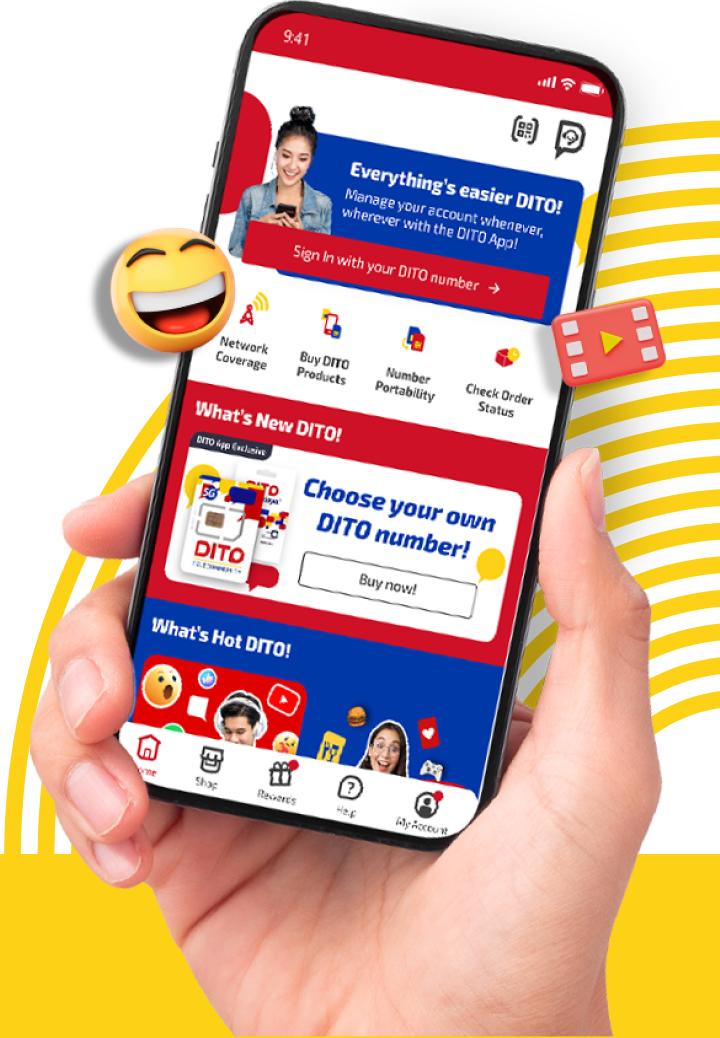
MANAGE YOUR TOP UPS AND SUBSCRIPTIONS, WHENEVER, WHEREVER!
DOWNLOAD DITO APP!
The easiest way to manage your account

MANAGE YOUR TOP UPS AND SUBSCRIPTIONS, WHENEVER, WHEREVER!
DOWNLOAD DITO APP!
The easiest way to manage your account

You may also reach us out
via our official social media accounts