
.svg)

1 October 2026

Introduction
For people on a prepaid mobile plan, managing data consumption is harder than it looks. With mobile phones functioning as utility devices that let people communicate, access the internet, and serve as an all-in-one entertainment device, every activity accounts for precious megabytes.
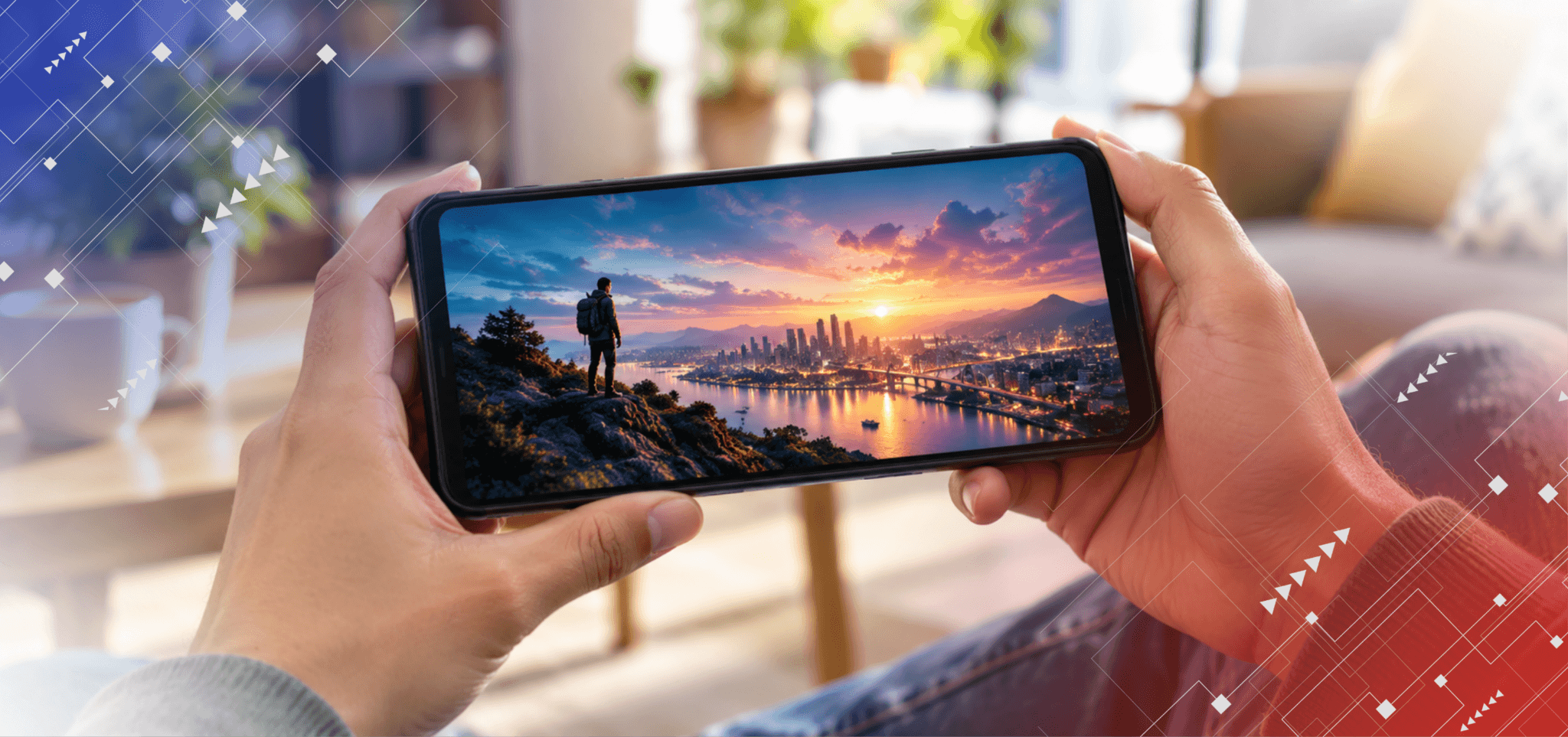
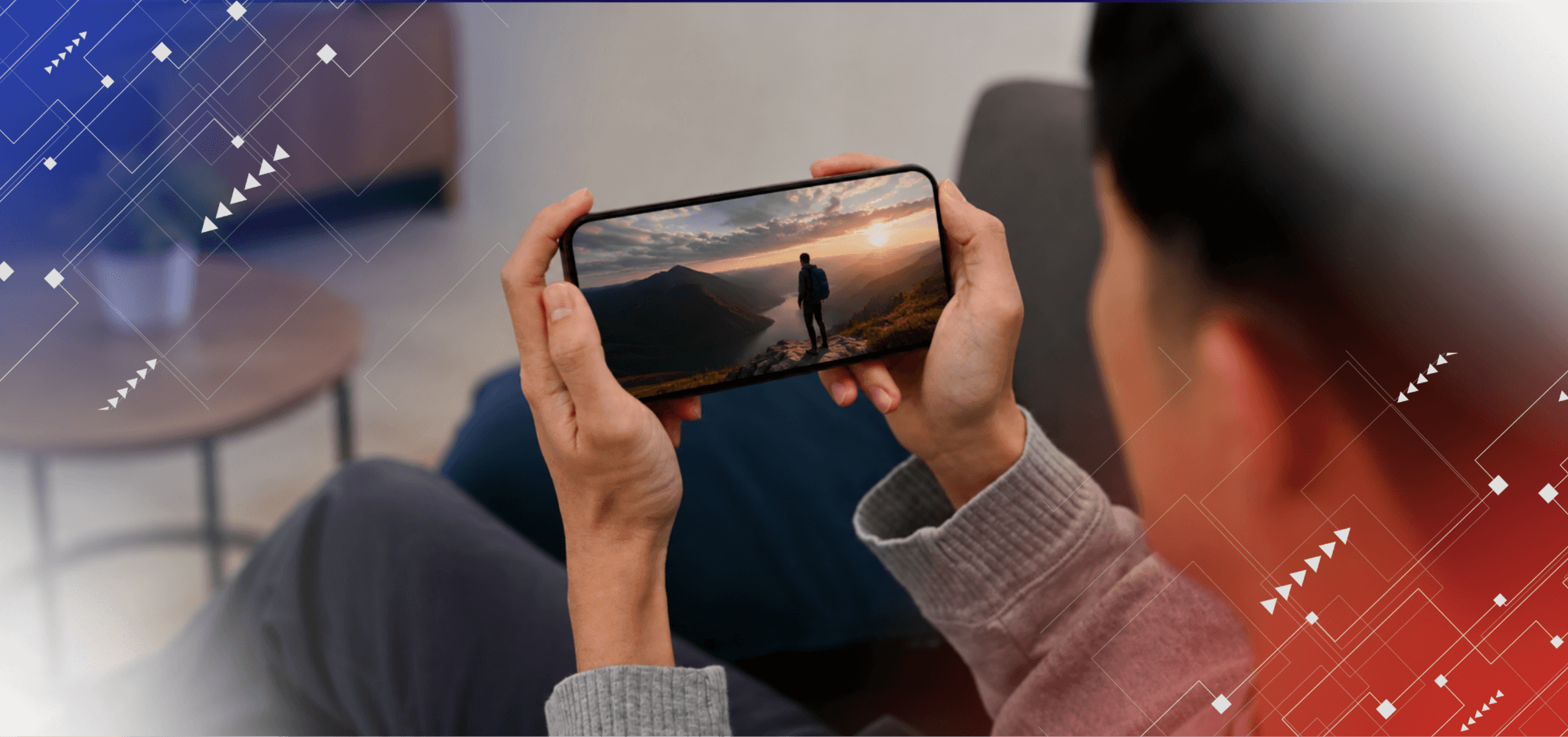
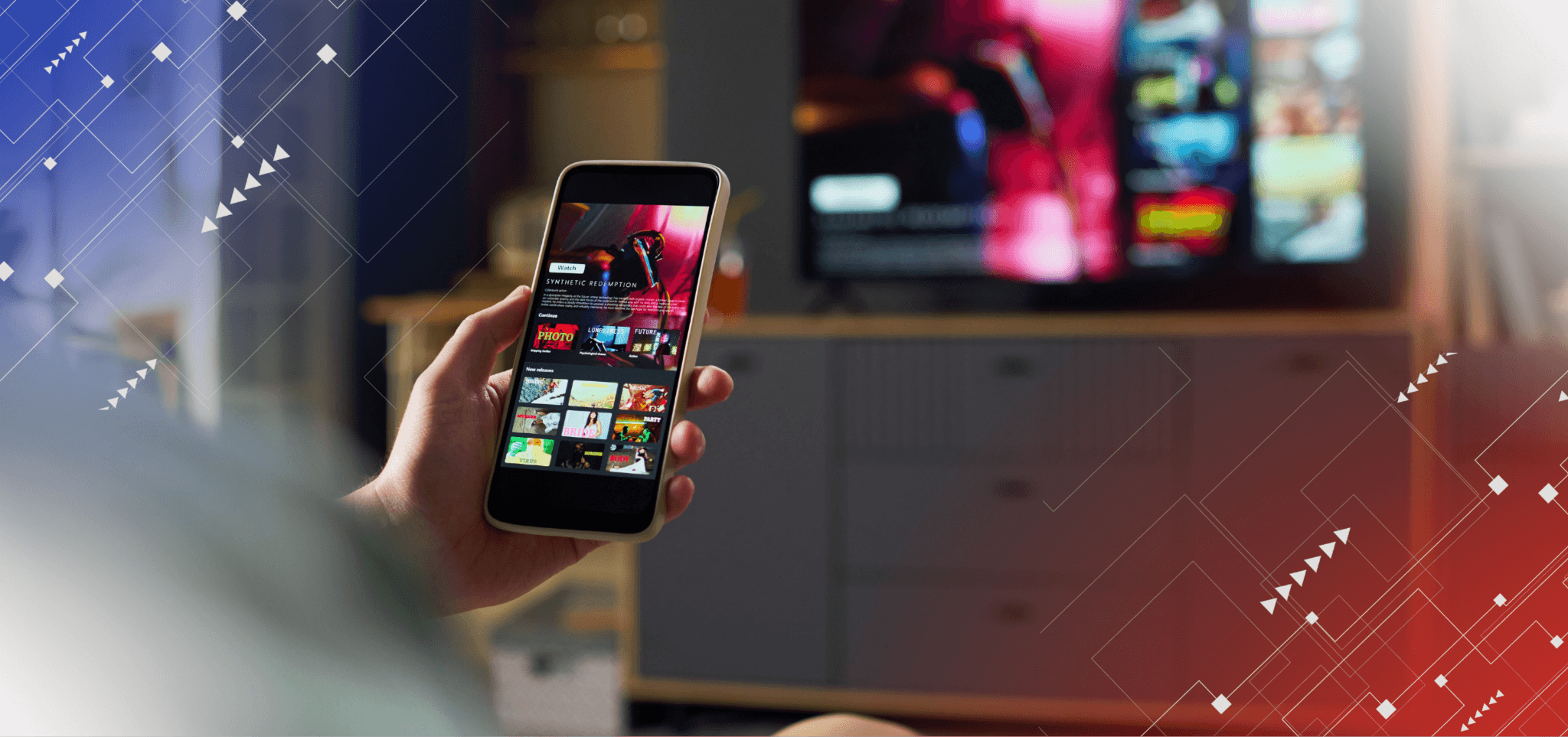
Streaming movies and TV shows on a smartphone makes entertainment more accessible, whether you are commuting, taking a break, or relaxing at home. However, video streaming can also consume prepaid data quickly, particularly when content is viewed in high definition or 4K.
In this article, we will share tips on how to save mobile prepaid data while streaming in the Philippines.
Enjoy Mobile Streaming with These Data-Saving Tips
Reducing your mobile data consumption does not have to mean giving up on watching your favorite movies. In fact, small changes to your viewing habits can help you manage your allocation more efficiently.
Here are some of the easiest ways to conserve your streaming data on mobile:
1. Lower Your Streaming Quality
Video resolution directly affects data consumption, since higher-quality video generally requires more data to deliver more detail. For example, standard-definition streaming can use around 0.5 to 1 GB per hour, while 1080p HD can use approximately 1.5 to 3 GB per hour.
For mobile viewing, you may not always need the highest resolution available. This is because a smartphone has a smaller display than a television, so standard definition or moderate HD may provide a satisfactory viewing experience while using less data. To consume less data while streaming on mobile, check the playback or video-quality settings within your streaming application and select an option appropriate for your device and available data.
2. Download Movies When You Have Access to WiFi
Downloading content over WiFi is one of the most straightforward ways to prevent streaming sessions from consuming most of your prepaid mobile data. Instead of continuously transferring video content through your mobile network, you can download supported movies or episodes while connected to a trusted Wi-Fi network and watch them offline later.
This approach is particularly useful if you know that you will be traveling or spending time in locations where WiFi access may be limited. For better data management, check that the application is configured to download using Wi-Fi only. This helps prevent a large movie or several episodes from being downloaded using your prepaid allocation by mistake.
3. Monitor Which Apps Are Using Your Data
Streaming may be one of your biggest sources of mobile data consumption, but it is not necessarily the only one. Social media applications, automatic updates, cloud synchronization, photo backups, and other background services can also consume data throughout the day.
Your smartphone's built-in data-usage tools can help you identify which applications are responsible for the most consumption. To conserve data, restrict background data, disable automatic downloads, or configure certain applications to use WiFi instead.
4. Turn On Data-Saving Mode While Streaming
Many streaming platforms provide data-saving options that automatically reduce the amount of data required for playback. These features can adjust video quality based on your selected preference, helping you maintain more predictable consumption while using mobile data.
Utilizing data-saving mode can be particularly useful when using mobile data so you can get more out of your limited data allocation for longer viewing times. Keep in mind that actual savings depend on the streaming platform, video content, device, network conditions, and selected quality.
5. Pick a Promo That Fits Your Streaming Habits
Even with careful adjustments to your streaming habits, frequent movie streaming demands that you have enough data to consume. For this reason, choosing a data promo that aligns with your usage can help you avoid repeatedly purchasing small allocations or unexpectedly running out of data during your viewing sessions.
Start by considering how often you stream. For example, occasional watchers may stick to a data plan that can help them get through the week. In contrast, regular watchers may prefer a monthly promo with a much higher data allocation or even unlimited data access.
Upgrade Your Mobile Streaming Lifestyle with DITO’s Promos
Besides being aware of the tips on how to save mobile prepaid data while streaming in the Philippines, your next best step is to subscribe to the right streaming promos. Once you have optimized your device’s streaming settings, you can check out DITO’s flexible and affordable prepaid options designed around different digital activities, giving users the freedom to select a promo based on their digital needs.
Here are the best mobile streaming promos you can subscribe to and manage using the DITO SIM:
Utilize Prepaid Promos for Streaming Apps
A streaming-focused promo can be useful when most of your mobile data consumption comes from entertainment. DITO’s StreamZone provides dedicated data of up to 11GB to your favorite streaming apps such as:
- Prime Video
- iWant
- Netflix
- Viva One
- VMX
- DashFlix
- iQiYI
Besides dedicated data access to these apps, it also comes with all-data access you can use to access other streaming platforms.
Enjoy More Freedom With Unli 5G Maxx
For mobile users who regularly consume heavier amounts of data, unlimited 5G can provide another option for high-volume activities such as video streaming. With a 5G-compatible device, you can subscribe to DITO’s Unli 5G Maxx, which provides unlimited 5G access and bonus all-access data of up to 30GB, together with unlimited data for social media apps such as:
- TikTok
- Threads
- Facebook Messenger
Manage Your Promos Easily With the DITO App
Besides having access to great streaming-specific promos, you can also conveniently manage your data through the DITO App. It lets subscribers check their real-time balance, monitor data usage, purchase promos, top up their account, and view their transaction history.
For regular streaming app watchers, these account-management features can help make data planning more proactive. Instead of waiting until your allocation is depleted, you can check your remaining data and decide whether you should top up with a new promo through the same platform.
Conclusion
Knowing how to save mobile prepaid data while streaming in the Philippines is about understanding how your phone utilizes data while also being subscribed to the best mobile promos available. With the right connectivity option, you can subscribe to great prepaid promos, monitor your balance, and manage your streaming on mobile from one convenient platform.
If you are ready to upgrade your streaming lifestyle, check out DITO’s prepaid promos that feature flexibility and 5G technology. Experience convenience and connectivity by downloading the DITO App to register for a DITO SIM today.
.png)








 Get App
 Get SIM