

.svg)

23 April 2026
Introduction
Samsung is a brand known for combining advanced technology with user-friendly features, so it is not surprising that they are also the first brand to adopt eSIM in their devices, albeit in the smartwatch and later on in their phones. But what does an eSIM for Samsung mean? How does it change the way you stay connected? Unlike traditional SIM cards, an eSIM is built directly into your device, giving you mobile connectivity without handling a tiny physical card, but is there more to it?
This guide will walk you through DITO eSIM for Samsung users in the Philippines, explaining how it works, why it makes life easier, and how to activate it step by step. Whether you want a dedicated work line, travel internationally, or just simplify your mobile setup, DITO eSIM makes switching carriers and managing plans seamless.
Are All Samsung Models eSIM-Ready?
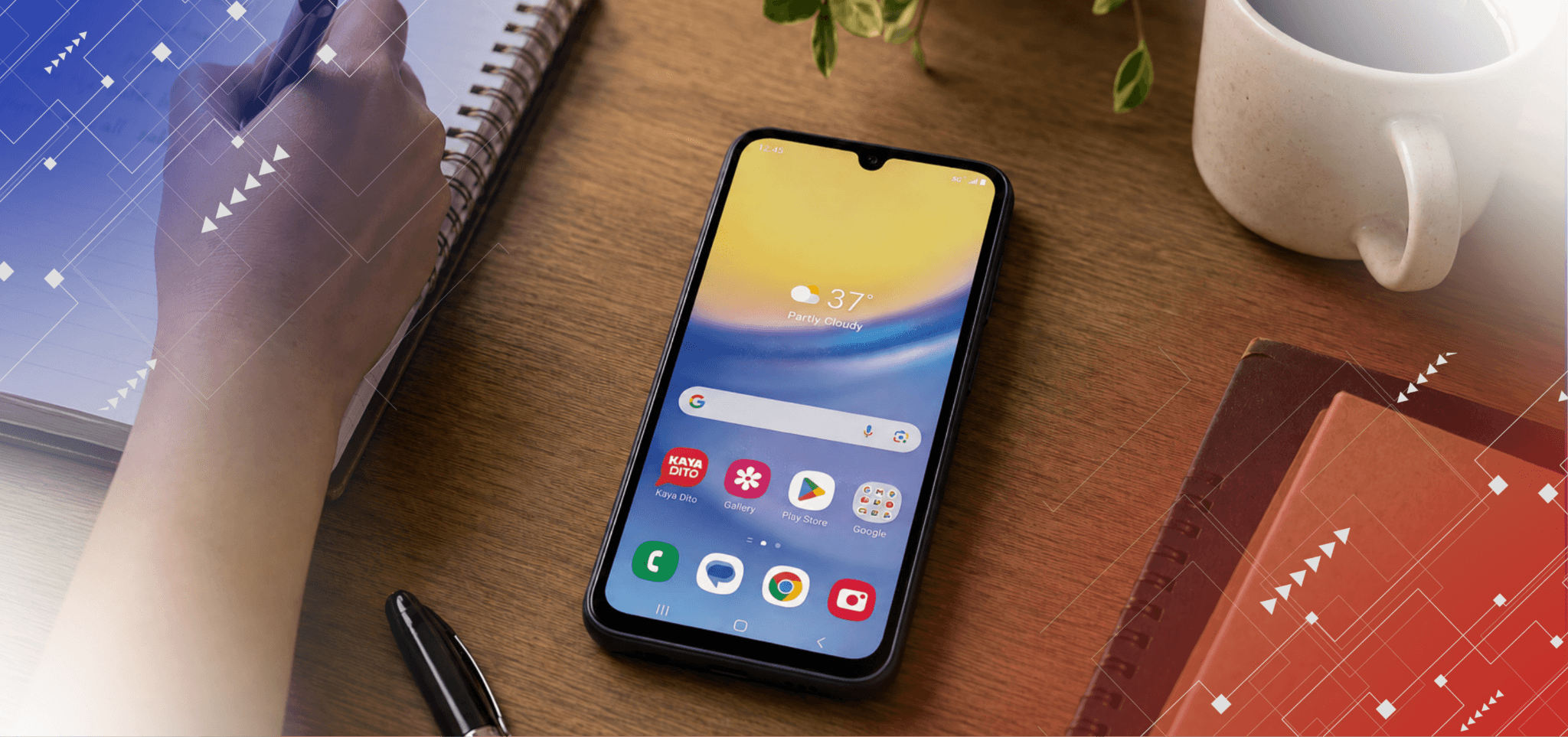
Despite being the first adopter of eSIM through their smartwatch, Samsung didn’t start using eSIM in their mobile device models until March 2020, when the Galaxy S20 series was launched. Most models released after that, including the Samsung Galaxy S21, S22, S23, and S24 series, come with eSIM support alongside traditional nano-SIMs. This allows dual SIM functionality without removing your physical SIM card.
Even Samsung smartwatches, such as the Galaxy Watch 4 LTE, 5 LTE, and 6 series, support eSIM, giving you connectivity on the go. To check the Samsung eSIM phone list, you can visit Samsung’s website.
To check if your Samsung phone is eSIM compatible, you can:
- Visit Samsung’s official website and look for the “eSIM Supported Devices” list.
- On your phone, go to Settings > Connections > SIM card manager. If you see an option to Add Mobile Plan or Add eSIM, your device supports eSIM.
- Check your device’s user manual or specifications sheet for eSIM compatibility.
This way, you can be sure whether your Samsung phone is ready to use eSIM.
Why Choose DITO for Your eSIM
DITO is the newest major telco in the Philippines offering eSIM, with flexible plans and value-driven services. Here’s why a DITO eSIM is worth considering:
Affordable Promos
DITO offers eSIM plans for Samsung users in the Philippines that combine generous data, call allocations, and flexible validity periods to suit different usage needs. For as low as ₱79, you can get a prepaid eSIM with 9GB all-access data, unli texts to all networks, unli DITO-to-DITO calls and texts, plus 150 minutes of calls to other networks, all valid for 15 days.
If you are a TikTok enthusiast, DITO also has a dedicated eSIM promo for you: unli access to TikTok for 15 days, all for only ₱99. These offers make it easy to stay connected, whether you are streaming, chatting, or managing multiple numbers on one device.
Purchase Anywhere
Getting your DITO eSIM is easy. You can purchase it online via the DITO eShop or visit any DITO Experience Store. Partner stores, such as 7-Eleven and select sari-sari stores that also carry DITO eSIMs. Each purchase comes with a QR code that allows for quick and smooth activation.
True 5G Network
DITO provides access to 5G connectivity through its DITO Home 5G network in key cities like NCR, Mandaue, and Cebu. With an eSIM, you can take full advantage of high-speed internet for streaming, downloads, and online work, wherever 5G is available.
Easy Switching
A major advantage of eSIM is how easy it is to switch between plans. With DITO, you can toggle between prepaid promos or manage multiple profiles without touching a physical card. This is ideal for travelers or anyone who wants flexibility without buying multiple SIMs.
How to Activate DITO eSIM on a Samsung Device
Activating your DITO eSIM is straightforward. Follow these steps to set it up on your Samsung phone:
Step 1: Press the Settings Icon
Unlock your device and open the Settings app. This is where all network and connectivity options are managed.
Step 2: Press Connections.
Select Connections from the menu. This section includes Wi-Fi, Bluetooth, and SIM management.
Step 3: Press SIM Manager
Tap SIM Manager to view and manage all SIM profiles on your device, including physical and embedded SIMs.
Step 4: Press Add eSIM
Select Add mobile plan or Add eSIM. Your phone will provide options to add a new network profile.
Step 5: Scan QR Code
Use your camera to scan the QR code provided with your DITO eSIM. Follow the on-screen instructions to register your plan.
Step 6: Activate eSIM
After scanning, your device will complete the activation process automatically. Your DITO eSIM is now ready for calls, texts, and mobile data. Check SIM Manager to ensure your new eSIM is listed and active.
Switching Between Profiles and Managing eSIM in Samsung
Samsung devices allow easy management of multiple eSIM profiles, but you can only use one profile at a time. Here is a quick guide on how it works:
- Go to your Home Screen and tap to open the menu.
- Choose Settings and scroll down to Choose Connections.
- Choose SIM Manager and tap on your choice of eSIM.
- Click “Ok” and your Samsung device will immediately start using your chosen profile as your network.
Troubleshooting Common Issues
While eSIM setup is typically smooth, especially with DITO, you may encounter minor issues:
- QR Code Not Scanning: Ensure the camera is clean and well-lit. Adjust distance or angle if needed.
- Plan Not Showing in SIM Manager: Restart your device and rescan the QR code.
- Connectivity Problems: Verify that mobile data is enabled. If issues persist, contact DITO support via online chat for assistance.
These steps cover most scenarios. For additional support, feel free to browse our guides at DITO or choose to chat or call our customer care team.
Conclusion
Beyond the convenience of eliminating physical SIM cards, eSIMs for Samsung in the Philippines offer flexibility, control, and easy management of multiple lines, whether for work, personal use, or travel. With DITO’s variety of promos, wide purchase options, and access to 5G connectivity in key cities, you are equipped to get the most out of your Samsung device while enjoying freedom in how you use your mobile service.
If you are ready to experience seamless mobile connectivity, it is time to take the next step. Purchase your eSIM today at the DITO eShop and activate your DITO profile today.










 Get App
 Get SIM